Visual Browser
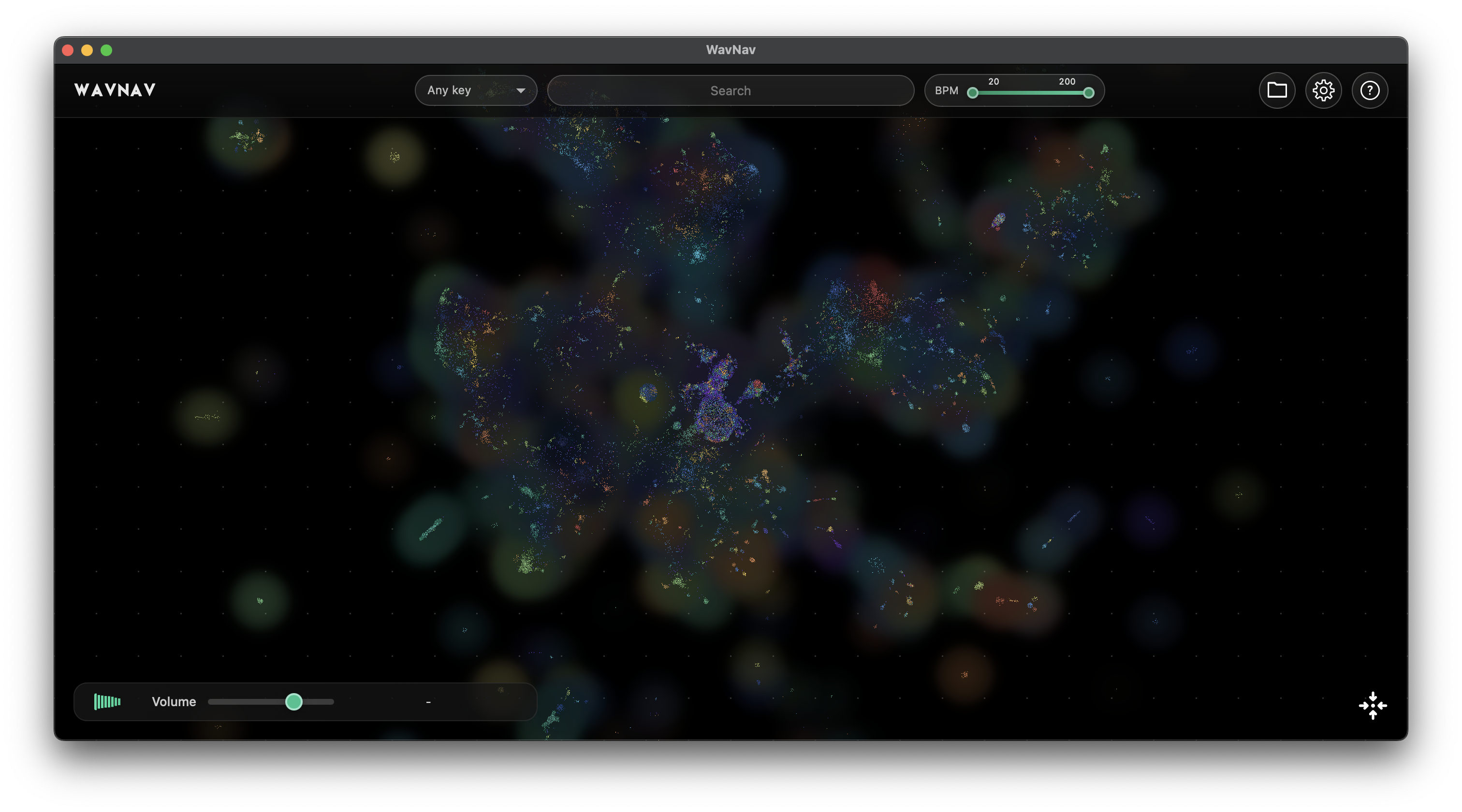
Your samples appear as dots on a map. Similar sounds cluster together based on their audio characteristics, so you can explore the map instead of scrolling through folder lists.
- GPU-accelerated OpenGL/Metal rendering
- Smooth pan and zoom navigation
- Colours show different sound types
Semantic Search
Describe what you want ("bright pluck", "dark pad") to find similar sounds. Uses semantic matching to understand audio content, not just filenames. All machine learning models run locally on your machine. Your sounds never leave your computer.
- Text-to-audio matching
- Similar sample search
- Adjustable similarity threshold
Folder Management
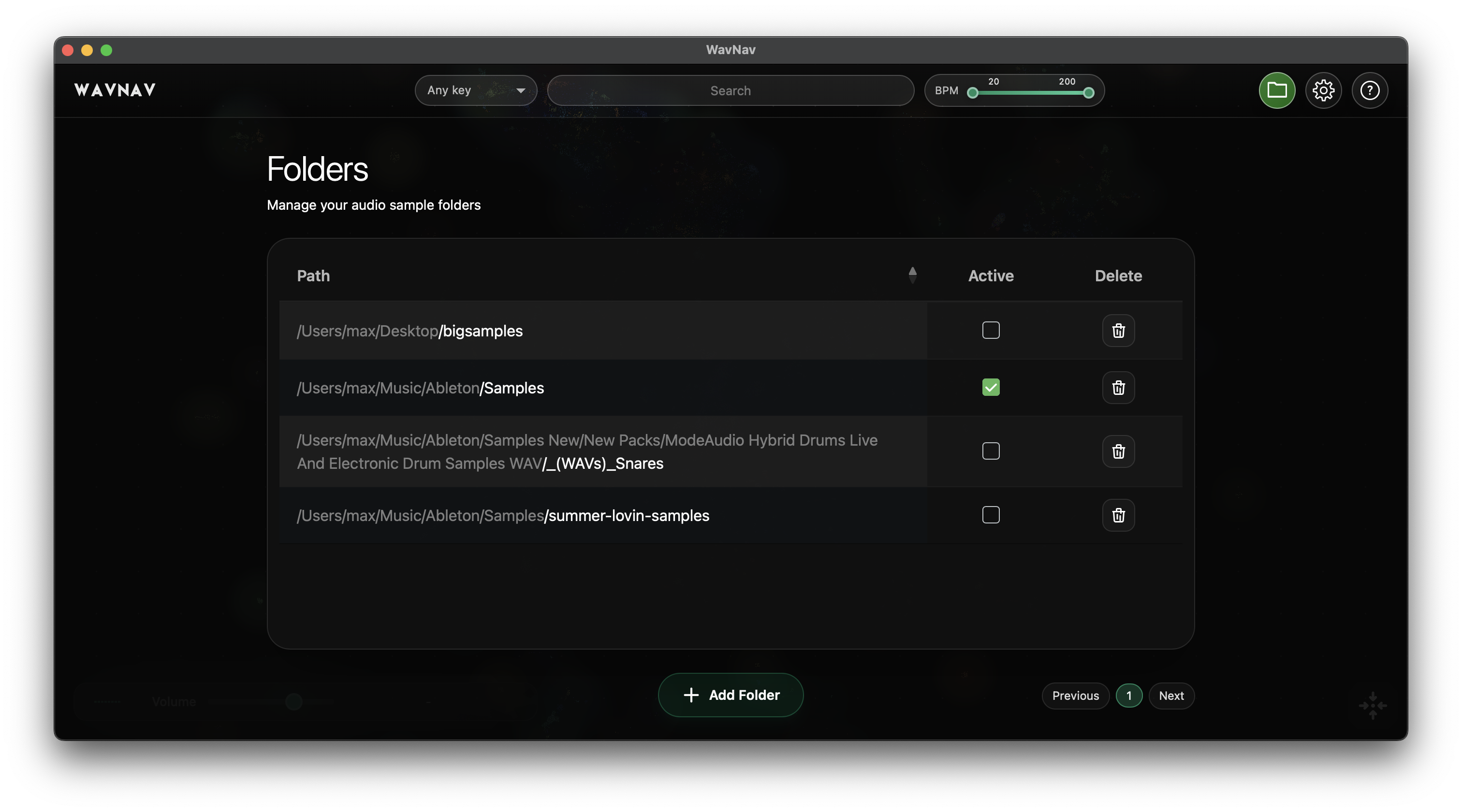
Add multiple sample folders and turn them on or off as needed. The map updates instantly without needing to rescan everything.
- Multiple folder support
- Toggle folders on/off dynamically
- Settings saved between sessions
Key & BPM Filters
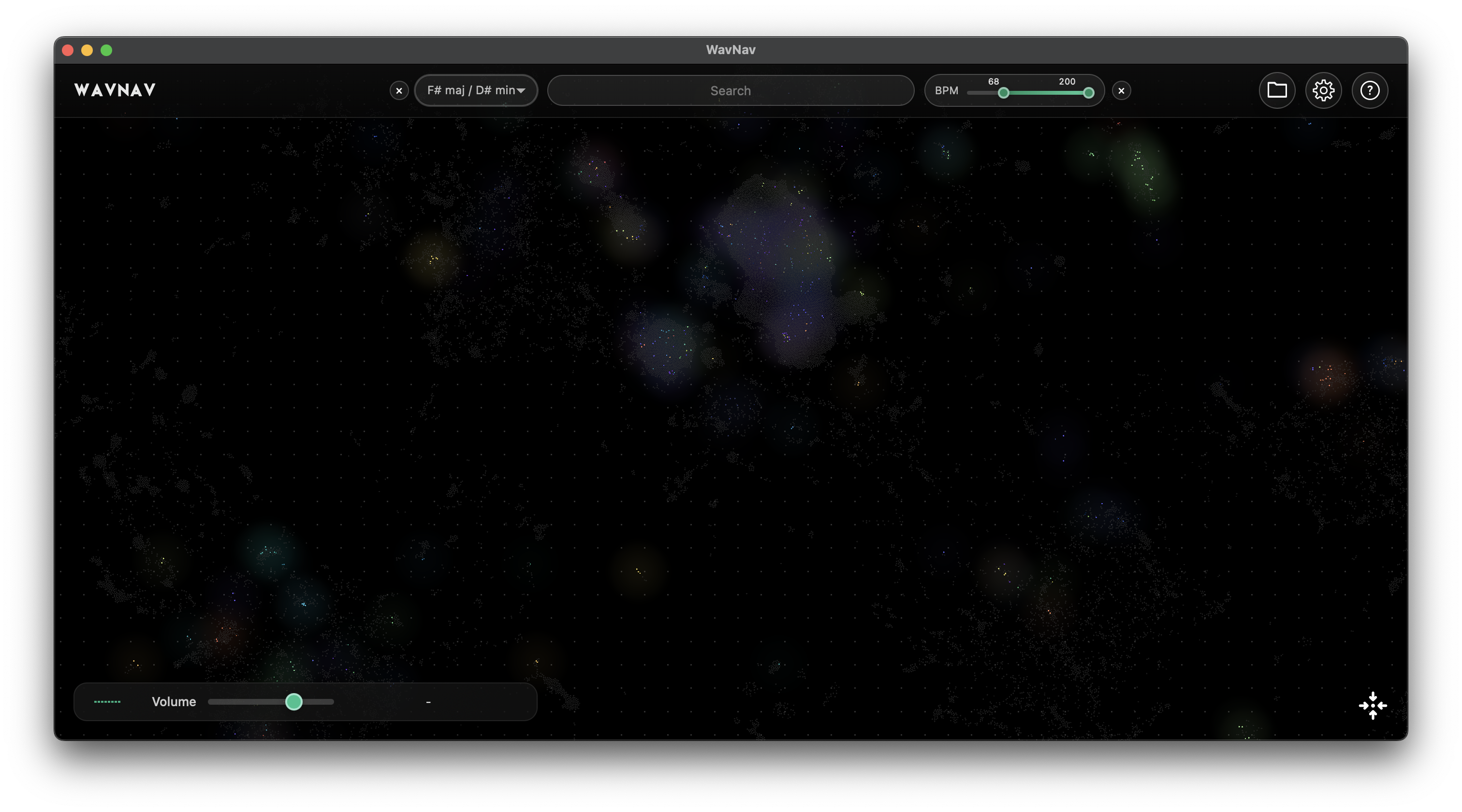
Filter by musical key, BPM range, or both combined. Find samples that fit your project without auditioning everything.
- BPM range slider (20-200+)
- Updates in real time
- Combine with text search
Handles Big Libraries
Built for producers with large sample collections. Processes 50,000+ samples in about a minute on modern hardware, then starts instantly from cache. Everything happens locally — no waiting for uploads or cloud processing.
- UMAP clustering for audio
- Cache for folder configurations
- Background processing
Little bits
Hover to Preview
Hold your mouse over any sample to hear it.
Copy Path
One-click copy to clipboard for importing into your DAW.
Show in Finder
Open the containing folder right from the app.
Find Similar
Right-click any sample to find variations.
Auto-Save
Your folders and settings are remembered.
Privacy First
100% local processing. No cloud uploads, no data collection, no internet required after download. Your samples stay on your machine.